

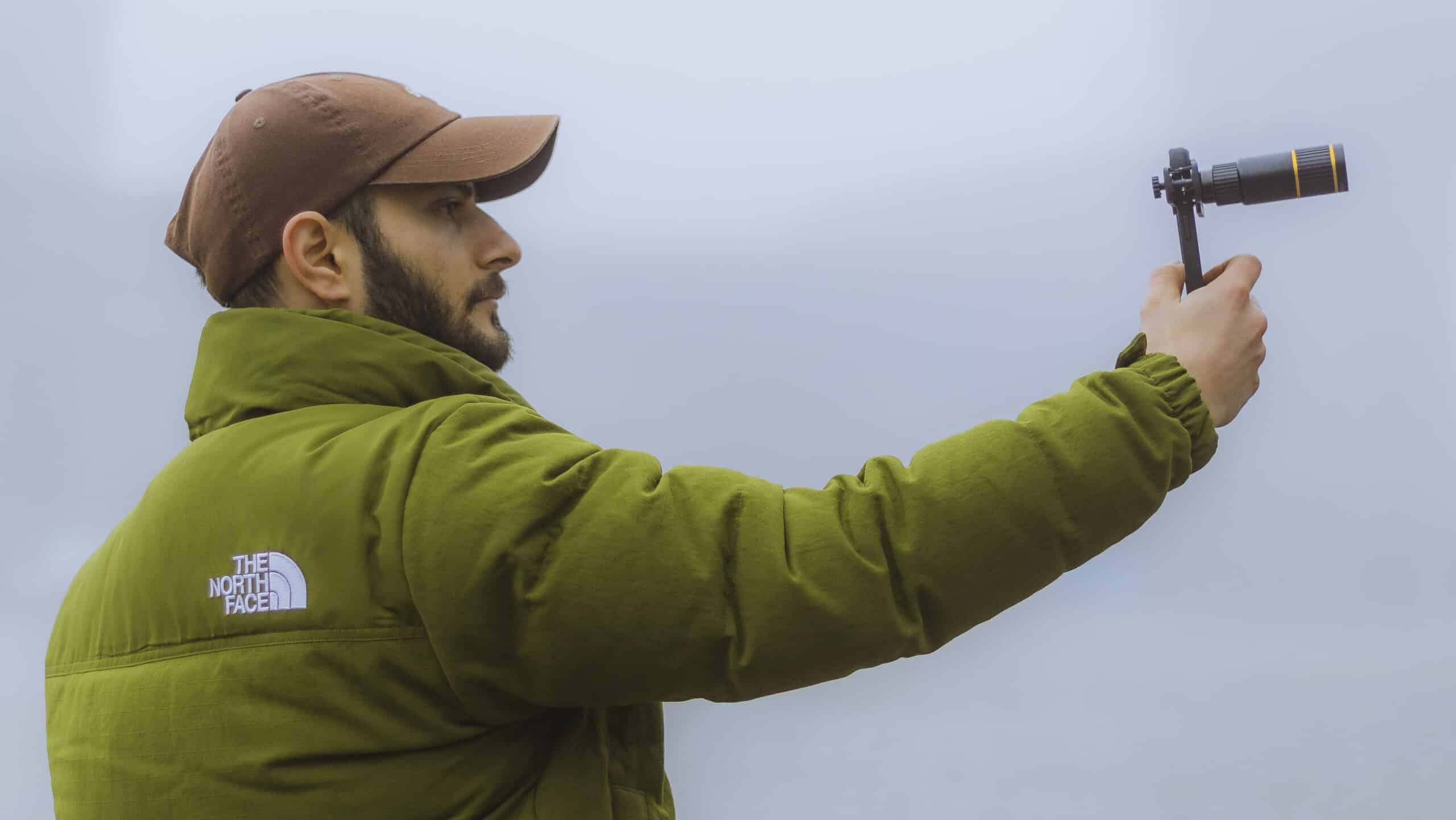
Top Mistakes to Avoid When Using the ZEKRA 22x Zoom Lens
Introduction
“Welcome! If you’re using the ZEKRA 22x Zoom Lens, it’s a fantastic tool to enhance your mobile photography. But there are some common mistakes that can impact your results. In this tutorial, I’ll walk you through these mistakes and show you how to avoid them so you can take professional-quality shots every time.”
Step 1: Avoid Misalignment of the Lens
- What Happens: When the lens isn’t perfectly aligned with your phone’s camera, you might get blurry images or dark edges (vignetting).
- How to Fix It:
- Attach the clip carefully, centering it over the camera lens.
- Open your phone’s camera app and check if the view is clear and edge-free.
- Adjust the clip slightly if needed until the image looks sharp.
Step 2: Don’t Over-Tighten the Clip
- What Happens: Over-tightening can damage your phone or misalign the lens.
- How to Fix It:
- Secure the clip firmly but with minimal pressure.
- Test its stability by gently shaking your phone; it should stay in place without excessive force.
Step 3: Always Adjust the Focus
- What Happens: Without adjusting the focus ring, your images might turn out blurry, especially for distant subjects.
- How to Fix It:
- Use the manual focus ring on the ZEKRA lens to fine-tune the focus.
- Look through your camera app and slowly rotate the ring until the subject is sharp.
Step 4: Use a Tripod for Stability
- What Happens: Zooming amplifies even the smallest hand movements, leading to shaky, unclear images.
- How to Fix It:
- Mount your phone on a tripod for steady shots.
- If you don’t have a tripod, rest your phone on a flat surface or hold it against something sturdy like a wall.
Step 5: Keep the Lens Clean
- What Happens: Dirt or smudges on the lens can create blurry or foggy photos.
- How to Fix It:
- Use a microfiber cloth to clean the lens before each use.
- Avoid touching the lens glass directly with your fingers.
Step 6: Check the Camera Lens on Multi-Camera Phones
- What Happens: Attaching the ZEKRA lens to the wrong camera (like the wide-angle or macro lens) can ruin your photos.
- How to Fix It:
- Identify the primary camera on your phone (usually the top or middle lens).
- Align the ZEKRA lens clip over this lens. Test it by opening your camera app and confirming a clear view.
Step 7: Be Mindful of Lighting Conditions
- What Happens: The ZEKRA lens works best in good lighting; low light can lead to grainy or dark images.
- How to Fix It:
- Use the lens in bright outdoor settings or well-lit indoor spaces.
- If shooting in low light, add a portable LED light or increase your phone’s exposure settings.
Conclusion
“And that’s it! By avoiding these common mistakes, you’ll get the most out of your ZEKRA 22x Zoom Lens. Take some time to practice these tips, and you’ll notice an immediate improvement in your photos. If you found this helpful, don’t forget to check out my next tutorial, where I’ll share pro tips to take your zoom photography to the next level. See you there!”
Would you like to include live examples or demonstrations for each step?
 No products in the cart.