

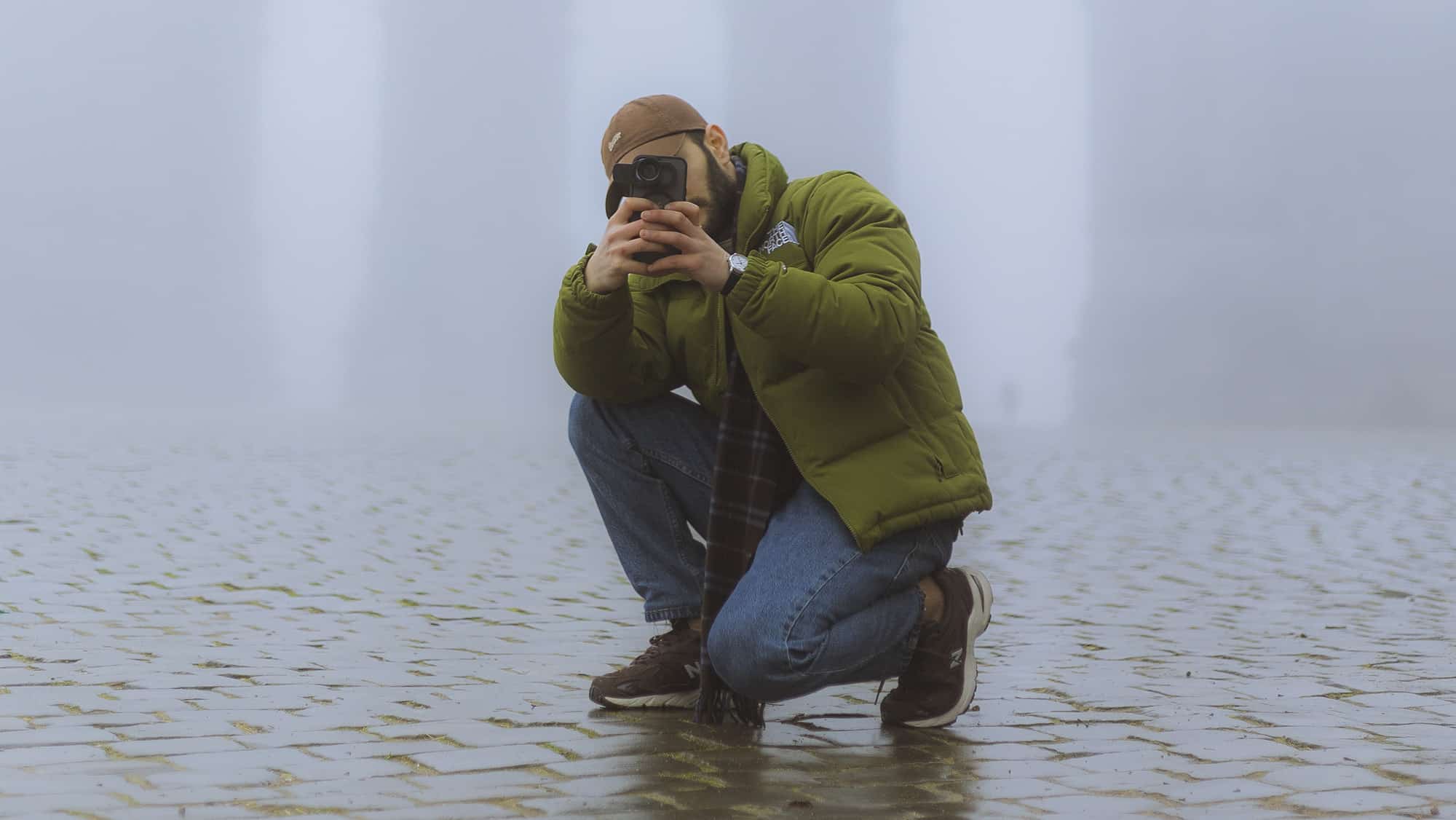
Pro Tips for Mastering the ZEKRA 22x Zoom Lens
Introduction
“Welcome back! Now that you know how to use the ZEKRA 22x Zoom Lens, it’s time to take your skills to the next level. In this tutorial, I’ll share some pro tips and tricks to help you capture stunning photos and videos like a seasoned photographer. Let’s get started!”
Tip 1: Use Manual Focus for Perfect Sharpness
- Why It Matters: The ZEKRA lens offers a manual focus ring for precise control. Auto-focus on your phone may struggle with the additional zoom.
- How to Do It:
- Open your phone’s camera app and point at your subject.
- Slowly rotate the ZEKRA lens’s focus ring until your subject is crystal clear.
- Experiment with tiny adjustments, especially for distant or small subjects like birds or flowers.
Tip 2: Stabilize Your Shots
- Why It Matters: With 22x zoom, even slight hand movements can cause significant blur.
- How to Do It:
- Use a tripod for stability. A flexible tripod is ideal for outdoor shots on uneven surfaces.
- If you’re shooting handheld, tuck your elbows close to your body and use a wall or sturdy object for support.
- Activate image stabilization in your camera settings if available.
Tip 3: Adjust Your Phone’s Settings
- Why It Matters: Default camera settings may not bring out the best in your ZEKRA lens.
- How to Do It:
- Increase Sharpness: Use apps that allow manual control of sharpness for more detail.
- Lower ISO: Keep ISO low in good lighting to reduce noise.
- Use HDR Mode: If your phone supports it, HDR mode can enhance details in both highlights and shadows.
Tip 4: Plan Your Lighting
- Why It Matters: The ZEKRA lens works best in bright conditions but can struggle in low light.
- How to Do It:
- Shoot during golden hour (early morning or late afternoon) for warm, natural lighting.
- Use a portable LED light for evening or indoor shots.
- Avoid shooting directly into bright light sources unless you’re going for a silhouette effect.
Tip 5: Experiment with Angles and Perspectives
- Why It Matters: Creative angles can make your photos stand out.
- How to Do It:
- Use the zoom to isolate your subject from a cluttered background.
- Experiment with low-angle shots to make subjects like buildings or trees look more dramatic.
- Try shooting through objects like fences or tree branches to add depth.
Tip 6: Combine with Editing Apps
- Why It Matters: Even a great shot can benefit from post-processing.
- How to Do It:
- Use apps like Lightroom or Snapseed to enhance colors, sharpness, and contrast.
- Adjust exposure and highlights to bring out hidden details.
- Crop and straighten your image for better composition.
Tip 7: Practice Patience with Moving Subjects
- Why It Matters: Capturing sharp images of wildlife or sports requires timing and precision.
- How to Do It:
- Anticipate your subject’s movement and pre-focus on the area they will enter.
- Take multiple shots in burst mode to improve your chances of getting the perfect one.
- Use a remote shutter or timer to reduce camera shake.
Conclusion
“And there you have it—pro tips to help you master your ZEKRA 22x Zoom Lens! Remember, practice makes perfect, so don’t be afraid to experiment and find what works best for your style. If you enjoyed this tutorial, be sure to check out my next video, where I’ll dive into why using an external zoom lens can give you an edge over your phone’s built-in zoom. See you there!”
Would you like any specific examples or scenarios added to these tips?
 No products in the cart.